Why I Built This
I’ve always loved national parks. Growing up in the Midwest, family road trips to places like Yellowstone and the Badlands were some of my favorite memories. When I was learning Java and looking for a project to practice with, building something around national parks felt like an obvious choice.
The National Park Service has a free API with data on every park in the system. I wanted to make it easier to explore what activities each park offers before planning a trip. Rather than clicking through dozens of individual park websites, you could search by state and see everything in one place.
The Interesting Part: Vaadin
Most Java web development at the time meant dealing with JSPs, servlets, and a lot of boilerplate. Vaadin took a completely different approach—you wrote your entire UI in Java, and it handled rendering everything in the browser automatically.
This was eye-opening. Instead of switching between Java backend code and HTML/JavaScript frontend code, I could stay in one language and one mental model. The framework generated all the client-side code for me. Components like tables, buttons, and forms worked like regular Java objects.
Looking back, Vaadin was ahead of its time. The idea of writing UI logic in a backend language and having the framework handle the client-server communication is something you see in modern tools like HTMX and LiveView. Back then, it felt almost magical.
How It Works
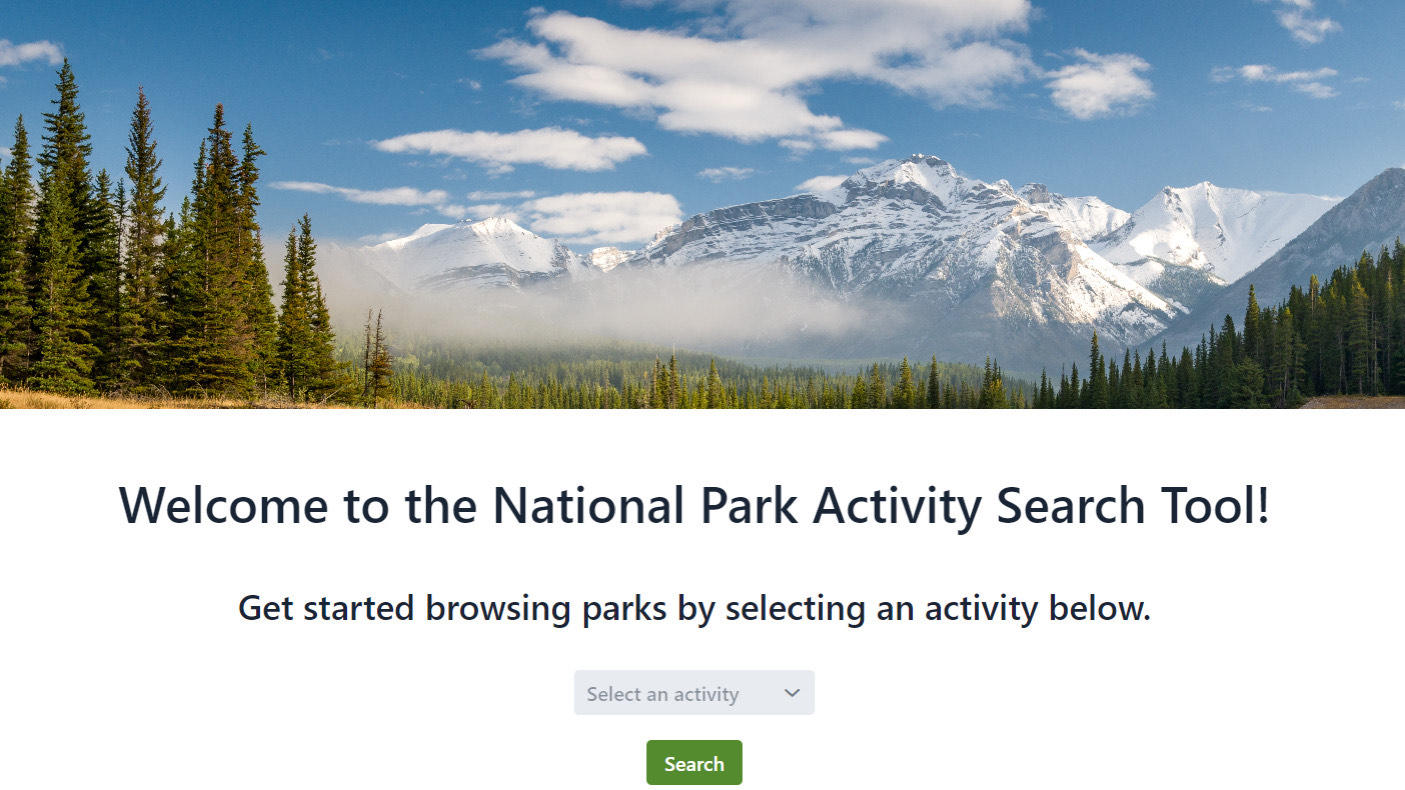
The app is straightforward. You pick a state from a dropdown, and it fetches all the national parks in that state from the NPS API. For each park, you can see what activities are available—hiking, camping, fishing, wildlife watching, and so on.
The search results display in a Vaadin table component that handles sorting and pagination. Clicking on a park shows more details about the specific activities and any relevant visitor information.
I spent a fair amount of time on the CSS to make it feel welcoming rather than purely functional. The default Vaadin styling was decent, but I wanted something that matched the spirit of the parks themselves.
What I Learned
This was one of my first projects that consumed a real external API. Handling network requests, parsing JSON responses, and dealing with the occasional timeout taught me a lot about building applications that depend on external services.
Vaadin also introduced me to the concept of component-based UI development. Even though I’ve moved on to other frameworks since then, that mental model of composing interfaces from reusable pieces stuck with me.
The project reinforced something simple: building things you actually care about makes learning more enjoyable. I could have made a generic CRUD app, but connecting it to something I genuinely found interesting made the late nights debugging API responses feel worthwhile.